How to Improve the Quality of Family Photos Without Professional Skills
Posted on
**Collaborative post**
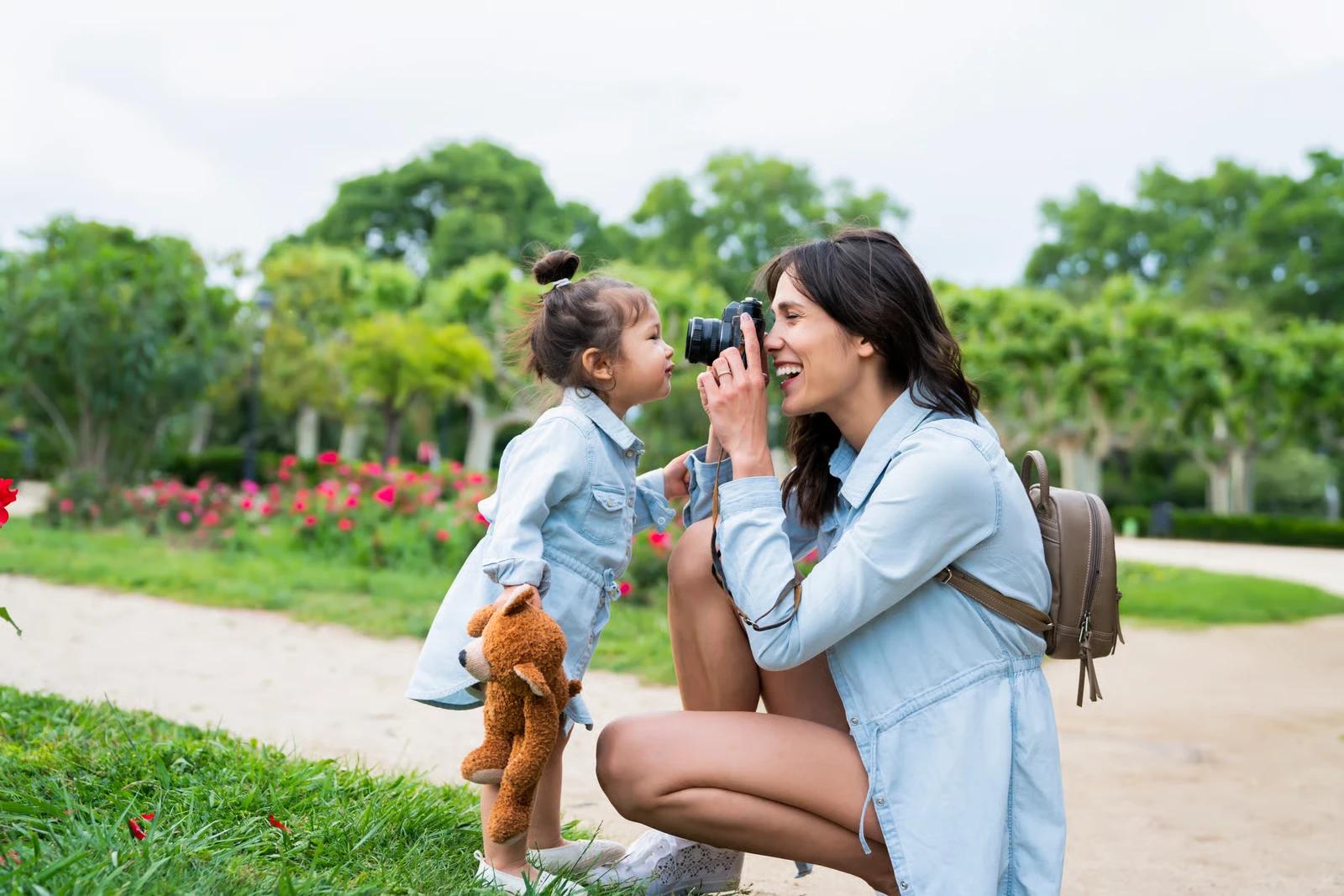
If you’re a mum, your phone probably holds hundreds — maybe thousands — of family photos. Birthday candles, messy baking afternoons, school assemblies, seaside holidays, random giggles on the sofa. We take these pictures because we don’t want to forget the small moments that make up everyday family life.
The problem is that many of those photos don’t look quite as nice as we remember the moment. The lighting might be strange, someone has red eyes from the flash, or the camera picked up shadows and tiny skin imperfections. Fortunately, you don’t need professional editing skills to fix this. Simple tools like PhotoDiva — a free portrait photo editor designed for quick and easy face retouching — can help improve family pictures in just a few clicks. Programs such as Fotor or Luminar offer similar beginner-friendly features too.
With a few small adjustments, even an ordinary snapshot can become a photo you’ll actually want to print or share.
Before touching any editing tools, take a moment to choose the right photo. Parents often keep ten nearly identical pictures of the same moment. One is slightly blurry. Another has someone blinking. A third one is technically the sharpest. But here’s the thing: the best photo isn’t always the most perfect one.
Sometimes it’s the one where your child is laughing uncontrollably. Or making a ridiculous face. Or hugging their sibling mid-chaos. Choose the photo that captures the feeling of the moment. Once you’ve got that one, even small edits can make it shine.
Fix the Lighting First
Lighting is the biggest reason everyday photos look a bit off. Family photos are rarely taken under perfect conditions. Kids move constantly, and we’re usually indoors — classrooms, living rooms, school halls — where lighting can be dim or uneven. The result?
Photos that look:
a bit dark
slightly washed out
grey and flat
overly bright in places
Luckily, this is one of the easiest things to fix. Most editing apps have simple sliders for:
brightness
exposure
contrast
shadows
A small increase in brightness and a gentle lift in shadows can make faces clearer and more natural almost instantly. The trick is subtlety. A tiny adjustment often works better than a dramatic one.
Soften Those Under-Eye Shadows
If you’ve ever taken a photo after a long school day, you probably know this one. Children can look perfectly fine in real life, but in photos the camera exaggerates tired shadows under their eyes.
Portrait-focused editors like PhotoDiva include tools specifically designed to soften these areas. Instead of changing the face completely, they gently reduce the darkness so the child simply looks more like themselves. It usually takes one slider and a few seconds. And the result feels natural — just a little brighter, a little fresher.
Smooth Out Skin Tone (Gently)
Another thing cameras love to exaggerate is skin texture. A tiny red patch. A dry spot. A bit of wind-burn after playing outside. Things we barely notice in real life can suddenly stand out in a photo.
Editors such as PhotoDiva, Fotor, or Luminar offer tools that help:
slightly smooth skin
reduce redness
balance uneven tones
The key word here is slightly. Family photos should still look real. You’re not aiming for magazine-style retouching — just a cleaner, softer image. Think of it as polishing, not redesigning.
Remove Small Distractions
Sometimes a photo is great… except for one tiny detail. A scratch on the cheek from playground adventures. A small spot on the nose. A random object in the background that steals attention.
Most editing programs include a simple healing or retouch brush. You tap the area you want to fix, and the software blends it with nearby pixels. That’s it.
The change might be subtle, but it removes distractions so the focus stays where it should be — on the moment itself.
Fix Red Eyes in Seconds
Flash photography and red eyes go hand in hand. Indoor birthday parties, evening photos, school events… They’re all classic situations where the flash kicks in and suddenly everyone looks a little vampire-like. Thankfully, fixing this is incredibly easy.
Almost every photo editor — including PhotoDiva — has an automatic red-eye correction tool. You simply click on the pupil, and the software restores the natural eye color. It takes about three seconds. Yet the improvement is instantly noticeable.
Try Cropping for a Better Composition
Sometimes the issue isn’t lighting or colour. Sometimes the photo just feels… cluttered. Maybe there’s too much empty space. Maybe half the frame is taken up by floor tiles or ceiling lights. Maybe someone wandered into the background. Cropping can completely change how a photo feels.
Try trimming away:
distracting objects
empty space
background clutter
A tighter crop brings attention back to the subject and makes the photo feel more intentional. Suddenly, what looked like a casual snapshot feels much more polished.
Adjust the Colours a Little
Phone cameras don’t always capture colours accurately. Sometimes photos look too cool and bluish. Other times they appear overly warm and yellow. Occasionally they just look… dull. Colour adjustments can fix this quickly.
Editors like Luminar, Fotor, and PhotoDiva include sliders for warmth, vibrancy, and saturation. A small boost can make skin tones healthier and bring the whole image to life. Again, small changes work best. You want the photo to look lively — not like a neon postcard.
Let Automatic Tools Do the Work
If adjusting sliders feels like too much effort, there’s good news. Many modern photo editors offer automatic portrait improvements.
PhotoDiva, for example, includes ready-made portrait enhancement options that quickly adjust lighting, skin tone, eye brightness, and overall clarity in one step.
For busy parents, this is often the easiest solution. Upload the photo. Apply the automatic correction. Done. Sometimes the fastest option is the best one.
Keep Edits Natural
When editing photos, it’s tempting to experiment with dramatic filters or heavy effects. But family photos usually look best when the editing is barely noticeable. The goal isn’t perfection.
It’s simply to:
brighten the image
soften distractions
keep the moment intact
If the photo still feels real — just a little clearer and warmer — you’ve done it right.
A Few Small Habits That Help Future Photos
Editing can improve almost any photo. But a few simple habits while taking pictures can help from the start.
Try to:
take photos near natural light (windows are great)
avoid direct flash when possible
hold the phone steady for a moment
take two or three shots instead of one
These tiny adjustments make a surprising difference. And they make editing much easier later.
Final Thoughts
Family photos don’t need to look like studio portraits. In fact, the best ones rarely do. They’re messy. Real. Sometimes slightly blurry. Often full of chaos. And that’s exactly why they matter.
Still, spending a minute or two improving lighting, fixing red eyes, or softening shadows can turn an ordinary snapshot into something you’ll genuinely treasure. Tools like PhotoDiva, Fotor, or Luminar simply make that process easier. No complicated skills required.
At the end of the day, the goal isn’t flawless photos. It’s keeping the memories — the loud, joyful, unpredictable moments that make family life what it is.
Subscribe to get the latest posts sent to your email.
Clare
Hi, I'm Clare (Emmy's Mummy). A former Nanny and Mother of 2 - Emmy (born February 2010) and Harry (born October 2012). We are Essex based and share our adventures and misadventures of a busy crazy life.